
|
drive.web
savvy-SFD
Diagram Viewer
|
The Diagram Viewer is virtual blank sheet of paper with infinite dimensions. To use SFD as a self-documenting programming tool, a library of standard page layouts (borders) are provided with the tools. Generally, it is a good idea to select the appropriate border for the final page size before beginning your design. The SFD Menu is used to control the borders of your Signal Flow Diagram.
A typical SFD border is shown below:
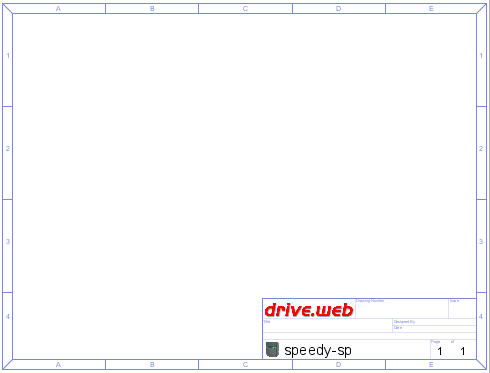
In the standard ANSI A landscape border above, note the drawing location coordinate system implemented.
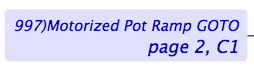
This scheme is used to locate the source and destinations of connections between function blocks, devices and pages. For example, the source of the following connection is the Motorized Pot Ramp within this PL-Series drive on page 2 of the savvy-SFD configuration, horizontal zone C, vertical zone 1.
The fundamental graphical controls of the Diagram Viewer (e.g., the border selection and the default graphics) is a function of the SFD Menu.